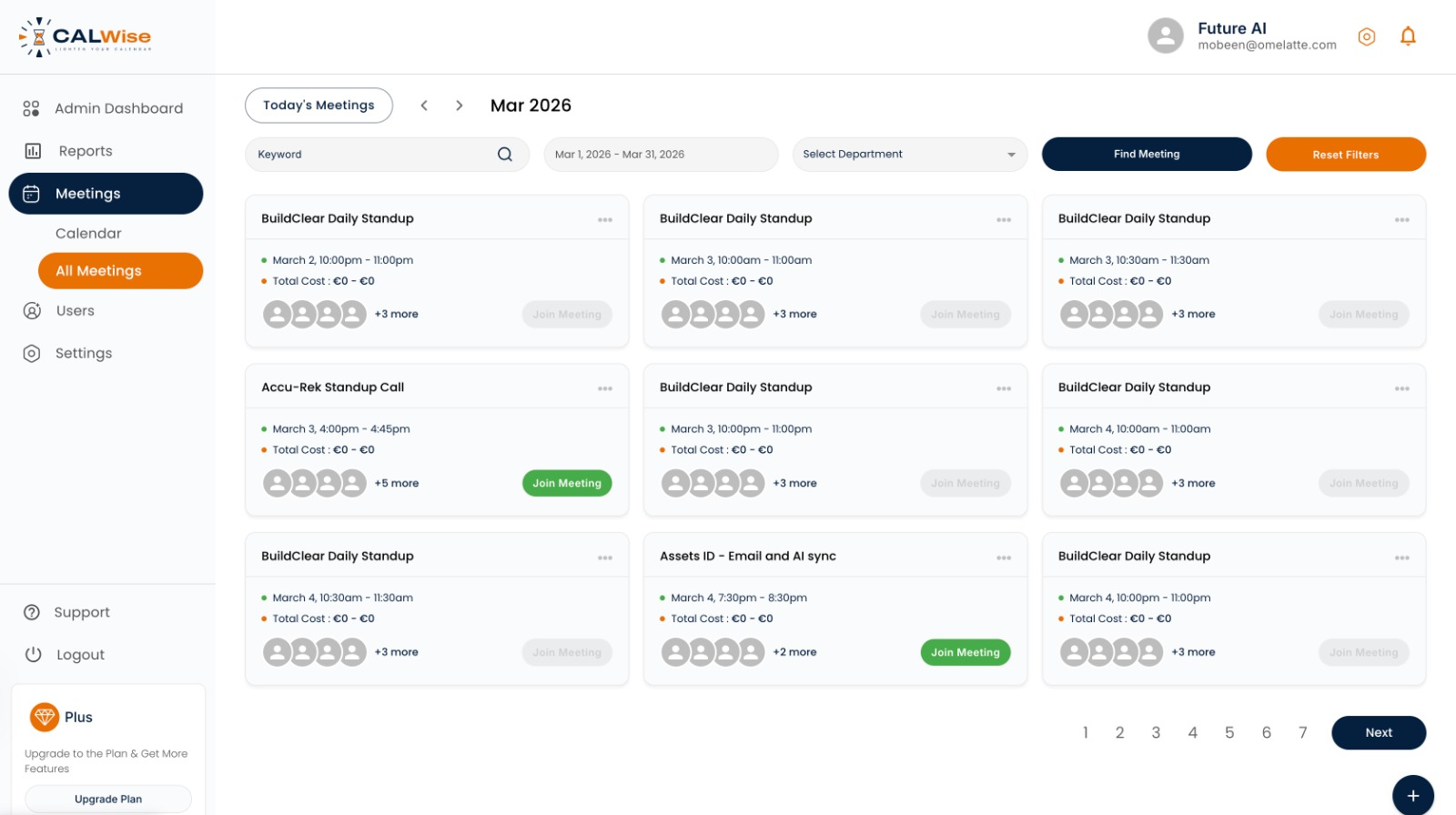
CalWiseAdmin dashboard — every meeting, with its cost attached
Everyone knows meetings are expensive. Nobody knows the number. CalWise computes the real salary cost of a meeting in real time — in the calendar, before the invite goes out — and does it without ever showing anyone an individual salary.
2025 pilot data, as reported by CalWise.
An hour-long meeting with eight senior people is a four-figure expense. It gets approved by one person clicking "send," with no number anywhere in the flow. Companies scrutinise software spend to the dollar and let the largest recurring cost on the calendar go entirely unmeasured — because measuring it means touching salary data, and salary data is radioactive.
That was the real design problem. The number is only useful if the organiser sees it at the moment of scheduling, which means it has to live inside Google Calendar and Microsoft 365, not in a report somebody reads next quarter. And it has to be derived from compensation data that no attendee — and no manager without explicit rights — is ever allowed to see.
Costs are computed server-side and surfaced as aggregates. Attendees see the meeting's cost; the underlying salaries are never exposed to them. Role-based access puts compensation data behind admin rights only.
Native Google Workspace and Microsoft 365 integrations plus Chrome and Edge extensions, so the cost appears live as the meeting is scheduled. Zero workflow disruption — nobody logs into another tool to get the number.
Budget controls turn visibility into governance: set meeting budgets, and require manager approval when a meeting crosses a cost or attendee threshold.
GDPR compliant with EU-hosted data centres, TLS 1.2 in transit, SOC 2-aligned controls on AWS Tier 3+ infrastructure — because no company hands over salary data to anything less.
One cost engine, surfaced everywhere a meeting gets created or reviewed.
Computes a meeting's salary cost from attendee compensation data the moment the attendee list changes.
Two-way integration with Google Workspace and Microsoft 365 calendars — no parallel scheduling tool to adopt.
The cost appears live in the browser as the organiser builds the invite, before they hit send.
Role-based permissions keep salary inputs with admins while everyone else sees only the cost output.
Cost trends by department, meeting duration stats, top spenders and savings champions.
Per-team meeting budgets plus approval gates that trigger on cost or attendee-count thresholds.
CalWise ships as a web platform plus browser extensions, live inside both major calendar ecosystems. Organisers get the cost before the invite goes out; admins get department-level trends, budgets and approval gates; nobody gets to see anyone's salary. The pilot data suggests the behaviour change comes almost entirely from the visibility itself — put the number on the screen and meetings get shorter, smaller, or cancelled.
For us it was a privacy-architecture project as much as a product one: the entire value of the tool depends on it being trustworthy with the most sensitive data a company holds.
Sensitive-data products are an architecture problem first and a UI problem second. Tell us what you're working with and we'll tell you how it has to be built.